Introducing Formidable 1.0: forms, finally done properly

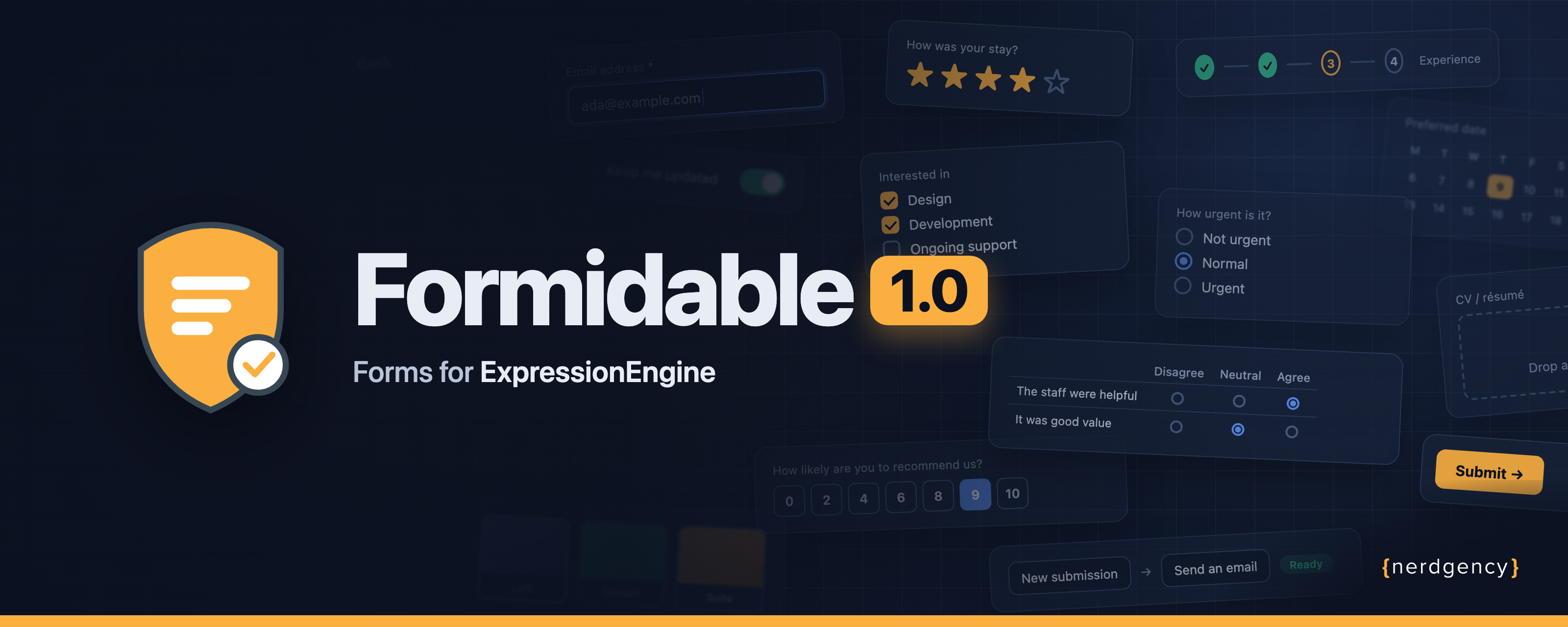
Every ExpressionEngine site has forms. And every ExpressionEngine developer has rebuilt the same contact form, the same job application, the same "add another attendee" registration, more times than they'd like to admit, along with the same chores: validation, spam, storing what people send, emailing the right person, and keeping the markup the designer actually drew.
Today, that ends. Formidable 1.0 is here.
It's the forms add-on we always wanted for ExpressionEngine: a visual builder your editors can use, markup you stay in charge of, and everything after Submit handled for you.
- Start in seconds from nine ready-made blueprints, or build from scratch with 38 fieldtypes.
- Drop it on a page with one tag, in a Default, Tailwind or Bootstrap 5 theme.
- Keep long forms alive with multiple pages, conditions, "Add another" rows and save-and-resume.
- Stop spam quietly, with no puzzles for real people.
- Send answers anywhere: email, webhooks, Mailchimp, HubSpot, Salesforce and more.
- Run your process with statuses and one-click actions like Approve or Reject.
One tag. Your markup.
Most form builders make you choose: either the builder owns your HTML, or you own it and write all the plumbing yourself. Formidable doesn't make you pick.
Build a form in the control panel, then put it on a page:
{exp:formidable:form form_handle="contact_us"}
That's the whole template. You get a complete, accessible form, styled by the theme you choose. When a design needs more, take over any layer you like, from your own <form> element down to every label and input. Formidable keeps supplying the fiddly parts: names and ids, the answer a visitor typed before an error, required, and the ARIA wiring that makes instructions and errors readable to screen readers.
Your markup, Formidable's attributes
Example{exp:formidable:form form_handle="contact_us" only="first_name|email_address"}
<form {form_attributes} class="stack">
{form_meta}
{fields}
<div class="field">
<label for="{field_handle}">{field_name}</label>
{if field_instructions}
<p class="hint" id="{field_handle}-instructions">{field_instructions}</p>
{/if}
<input {field_attributes}>
{if field_has_error}<p class="field-error">{field_error}</p>{/if}
</div>
{/fields}
<button type="submit">Send</button>
</form>
{/exp:formidable:form}
…
<div class="field">
                <label for="first_name">First Name</label>

                    <p class="hint" id="first_name-instructions">We prefer your legal name</p>

                <input id="first_name" name="first_name" value="" type="text" aria-describedby="first_name-instructions">

            </div>

            <div class="field">
                <label for="email_address">Email Address</label>

                <input id="email_address" name="email_address" value="" type="email">

            </div>

        <button type="submit">Send</button>
    </form>
Already have forms written by hand? Wrap one in {exp:formidable:capture} and Formidable builds the form behind it, leaving your markup exactly as you wrote it.
Never start from a blank page
Formidable 1.0 ships with nine blueprints: complete forms with their fields, statuses, buttons and emails already set up. Pick one, name it, and it opens in the builder ready to adjust.
| Blueprint | Comes with |
|---|---|
| Contact Us | A message to your team, with a copy to the visitor |
| Newsletter Signup | Consent to be emailed, recorded with what was agreed |
| Support Request | Urgency, screenshots, and New → In progress → Resolved |
| Quote Request | Services, budget and timeline |
| Appointment Request | Preferred dates and times, with Confirm and Decline buttons |
| Event Registration | Tickets, guests, dietary needs and a confirmation email |
| Feedback Survey | Star rating, an agree/disagree grid and a 0–10 "would you recommend us" |
| Job Application | Three pages, a CV upload, past employers as "Add another" rows, and Shortlist → Hire |
| Volunteer Sign-up | Availability, interests and experience |
Built a form you're proud of? Save it as a blueprint for every site in your install. Need it on another site entirely? Export it as a file and import it there: channels, roles and connections are matched by name, and nothing private (addresses, webhook secrets, API keys) ever travels with it.
38 fieldtypes, and some you won't find anywhere else
Text, email, numbers, dates and times with native pickers, selects, checkboxes and radios are all here, of course. Then there are the ones that usually need another plugin:
Signatures
A pad to sign with a mouse, trackpad or finger, kept as an image in the submission or as a file in your upload destination. Waivers and sign-offs, sorted.
File uploads
Straight into ExpressionEngine's own file manager, one file or several. If a submission fails validation, the files are held, so nobody picks them twice.
Computed fields
Totals, ages, full names and due dates, worked out as the visitor types and again on the server. Change a formula, and Formidable offers to recalculate every stored answer.
Ratings, scales and grids
Stars, a 0–10 Net Promoter scale, picture cards to choose from, and a Likert matrix ("The staff were helpful: Agree").
Name, address and consent
Names and addresses in parts, with the parts you choose required. Consent records exactly what was agreed to, and when.
Choices that think for themselves
Countries, states and provinces built in, or choices built from your own entries, categories and members. Pick a country and the next field offers only its states.

Long forms people actually finish
Applications, intake forms and grant forms lose people halfway. Formidable is built to keep them.
- Multiple pages with a step indicator and Back / Next, and no template changes. Next checks the page before moving on, and the server checks everything again when it's sent.
- Conditions show, hide or require any field, hide whole sections, and skip pages. The builder reads every condition back to you as a sentence.
- Repeating sections add "Add another" rows for dependants, employers or line items, with
sum(),count()andaverage()across the rows. - Save and resume gives every page a Save and continue later button, with a link straight back to where they left off, files included. Members just open the form again on any device. Add a reminder, and anyone who wanders off gets a friendly nudge by email.
{exp:formidable:form form_handle="application" drafts="yes"}
Everything after Submit
A form is only as good as what happens next. Formidable's workflows run when a submission is created, edited or changes status, and when a draft is saved or due a reminder, each with its own conditions.
Email that looks like you
Notifications from your own email theme, to typed addresses, members, roles or the address the visitor chose. Reply-to the visitor, attach their files.
Your CRM, connected
Push straight into Mailchimp, HubSpot, Salesforce, Campaign Monitor, Constant Contact, Dotdigital or Mailjet. Or call any webhook, signed so the receiver can trust it.
A log you can replay
Every run recorded: what was sent and what came back. When a CRM has a bad day, fix it and press Run again. Add a queue for background sending and retries.
Submission actions turn a form into a process. Add buttons like Approve, Reject or Mark as paid to every submission: each one can change the status, fill in answers, ask for a note, and start workflows. Run them one at a time, on a whole selection at once, or through the API, with every decision kept in the submission's activity.

Spam, stopped quietly
Real people never see a puzzle. Out of the box, every form has a honeypot, a JavaScript check, a per-IP rate limit and duplicate detection. A caught bot gets the same polite reply as a real person, so it learns nothing. When you do want a visible challenge, add Cloudflare Turnstile, hCaptcha or ExpressionEngine's own CAPTCHA as a field.
Underneath it all: signed, encrypted form meta that can't be tampered with, CSRF protection on every post, checked return URLs, and optional encryption at rest for sensitive answers.
Accessible from the first field
Every shipped theme is built toward WCAG 2.1 AA. Checkboxes and radios sit inside their labels. Groups of options are named for screen readers. Instructions and errors are wired to their inputs. Required fields are marked, and the error summary is announced, focused, and links to each field that needs fixing. Formidable's own colours for stars, scales, picture cards and switches meet contrast, too. Accessibility is part of the markup Formidable writes, not homework it leaves you.
A control panel your team will actually enjoy
- A dashboard with what came in, a fourteen-day chart, how workflows are doing, and anything that needs a look.
- Guided tours on every screen, and a setup wizard that gets a new site ready in minutes.
- Submissions you can filter, save as views, colour by status, edit, and export to CSV, JSON, XML or text.
- Nine permissions, so each role sees exactly what it should, right down to the sidebar.
- A Themes screen that shows which parts of your theme you've changed, and what's changed upstream since.

Built for developers, too
A JSON API
Serve forms and accept submissions from any front end, with exactly the same validation as a posted form.
Extend everything
Twenty extension hooks, plus your own fieldtypes and connection providers, one PHP class each.
Scripts and deploys
Fifteen commands for cron and deploy scripts, all runnable from the control panel. Blueprints in PHP, forms in version control.
And for content editors: the Formidable Form channel field puts a form on any entry, even inside Grid and Fluid.
Formidable 1.0, by the numbers
| 38 | fieldtypes |
| 9 | ready-made blueprints |
| 3 | themes: Default, Tailwind and Bootstrap 5 |
| 7 | email marketing and CRM integrations, plus any webhook |
| 20 | extension hooks |
| 15 | commands |
| 0 | puzzles for your visitors to solve |
Documented to the parameter
The documentation was written alongside the code, and it's checked against Formidable's source every time this site builds. If you read about a parameter, it exists. Where the docs show the HTML Formidable produces, it was captured from a real install, not typed by hand.
Changelog
1.0.0, 14 October 2026
The first public release. Everything is new, so in brief:
- Building: a visual builder with pages, sections and a twelve-column grid; 38 fieldtypes; conditions that show, hide or require fields and skip pages; repeating sections; computed fields; a Field Library; nine blueprints, plus import and export.
- Displaying: one
{exp:formidable:form}tag; Default, Tailwind and Bootstrap 5 themes; classes and attributes for every part; capture from your own markup; the Formidable Form channel field. - Submissions: a listing with filters, saved views and statuses; editing, including signatures, names and addresses, and repeating rows; exports to CSV, JSON, XML and text; per-field encryption; save and resume; front-end editing; submission actions such as Approve and Reject.
- Automation: workflows that email, call signed webhooks or push to seven CRM and email services, with a background queue, retries and a replayable log.
- Control panel: a dashboard, health checks with their fixes, eight permissions, Jump Menu commands, guided tours and Utilities.
- For developers: a JSON API with scoped keys, forms as JSON, 20 extension hooks, your own fieldtypes and connections, and fifteen commands.
- Requirements: ExpressionEngine 7.5+ and PHP 8.2+.
The full list is in the release notes.
Get started
Formidable 1.0 needs ExpressionEngine 7.5 or later and PHP 8.2 or later. Copy two folders, choose Install, and your first form is about five minutes away. Faster, if you start from a blueprint.
Requirements, and the two folders to copy.
Build your first formA contact form, on a page, in about five minutes.
Start from a blueprintNine ready-made forms, and your own.
WorkflowsEmail, webhooks and CRMs, with a replayable log.
Forms are the front door of every site. Let's make yours a good one. We can't wait to see what you build.